
TL;DR
Waste Tracker records are mandatory for every movement of reportable priority waste in Victoria. The producer creates the record before the load leaves, the driver updates it at pickup and drop off, and the receiver confirms it on delivery. EPA treats each missing or incomplete record as a separate offence, so the fix is a simple check before every truck leaves, plus a weekly match against your own dockets.
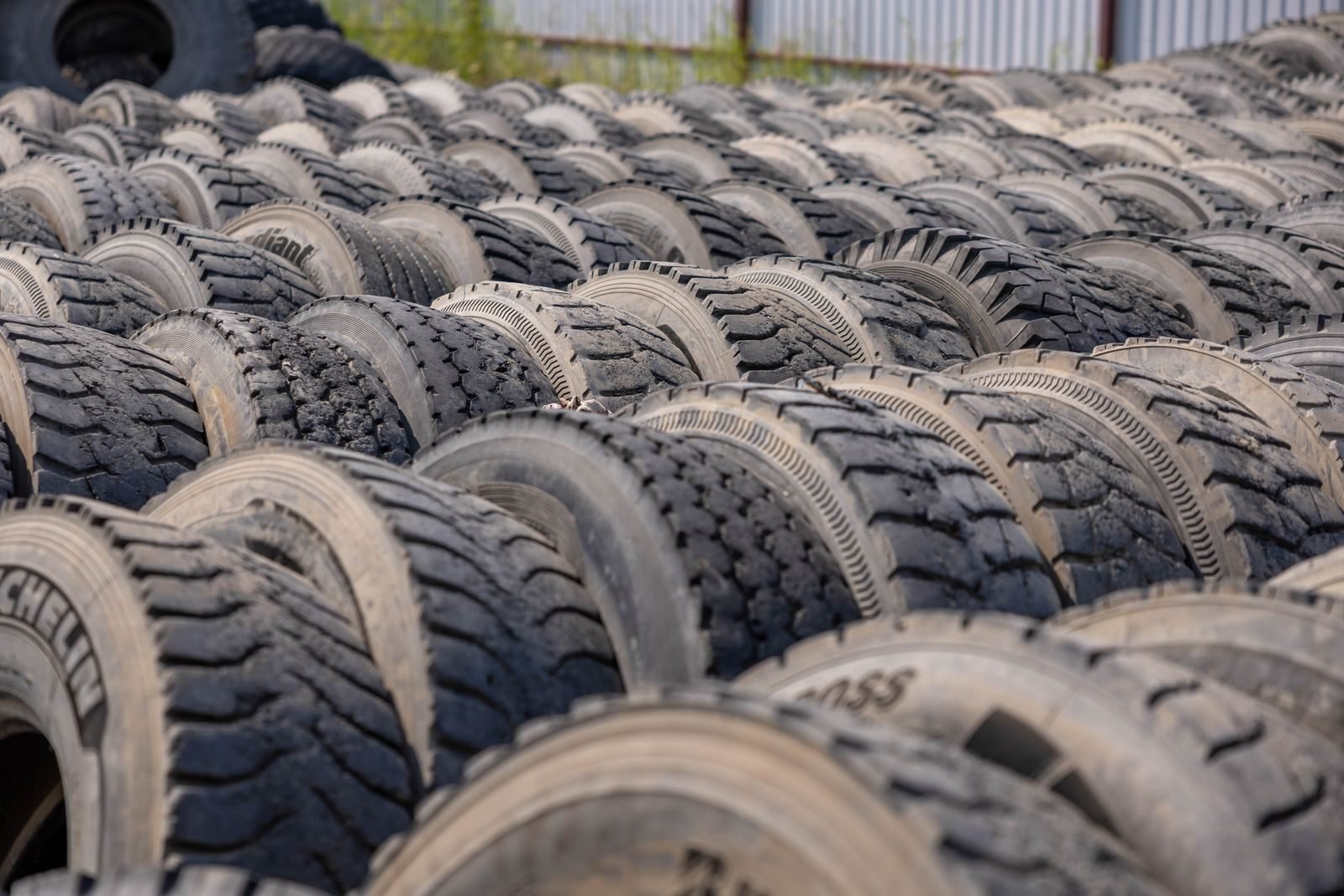
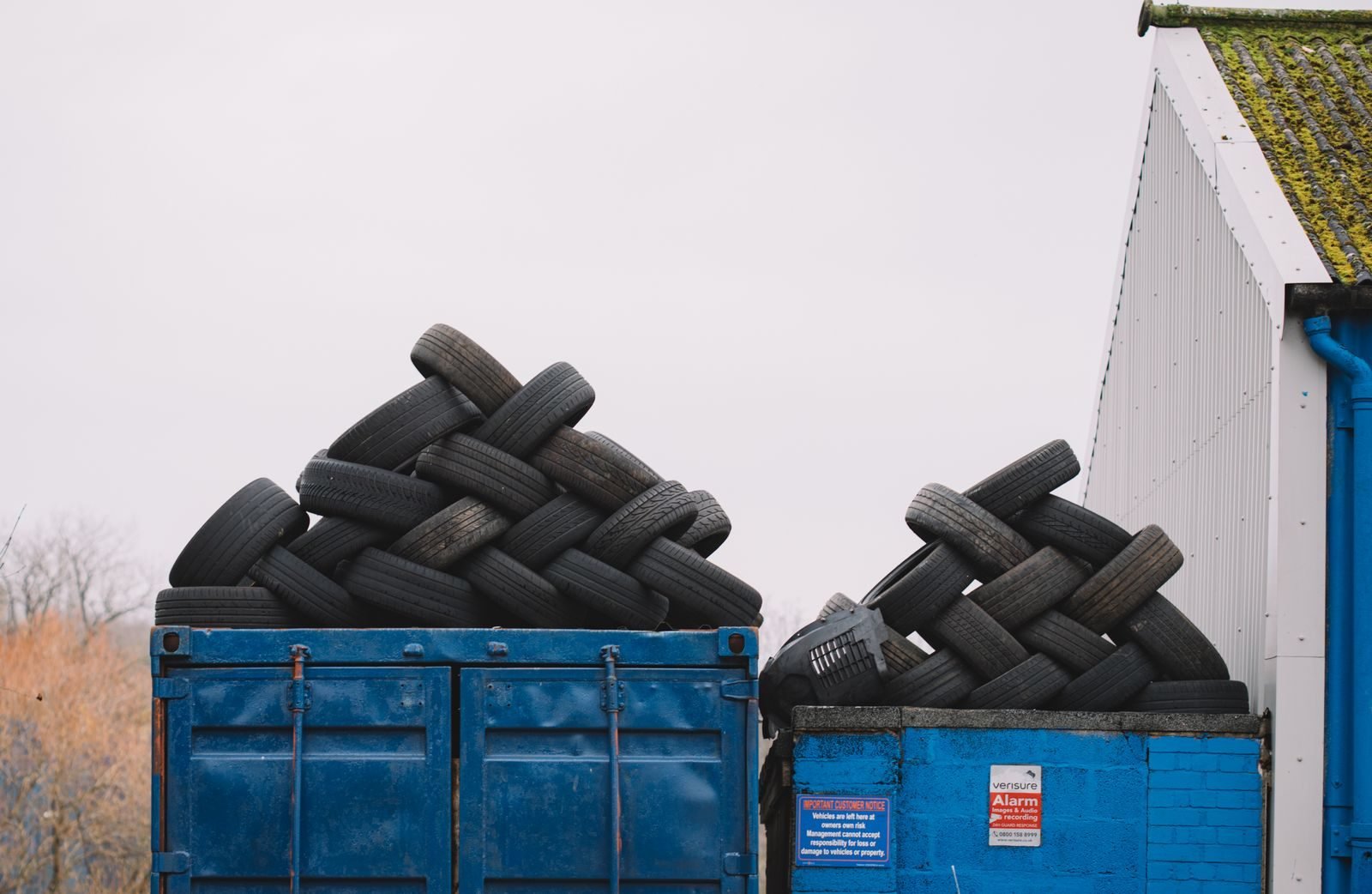
In August 2026, EPA Victoria officers walked into an Altona North tyre recycler for a snap inspection. They found 300 waste tyres that had been moved without a single Waste Tracker record.
Two companies were fined $10,455 each.
Nobody had dumped anything. The tyres were where they were meant to be. The paperwork just wasn’t.
That’s the uncomfortable thing about Waste Tracker records. You can do the physical job perfectly and still be fined, because the record is part of the job.
If your records currently live somewhere between a shared inbox, a weighbridge system and a docket book in the ute’s glovebox, this guide is for you. (We’ve all met that glovebox. It also contains a tyre gauge, three pens that don’t work and a sauce sachet from 2019.)
This is a practical guide for producers, transporters and receivers in Victoria. It covers who records what and when, where records usually go missing, a seven-point check before the truck leaves, and what’s worth automating. It’s general information, not legal advice.
Before the next snap inspection
Not sure your Waste Tracker records would survive one?
A Pain Point Audit walks through how your waste records actually move today, from docket to register, and shows where the gaps are. You get a written report in 5 business days.
On this page
- What are Waste Tracker records, and who has to keep them?
- Why does EPA treat every missing record as a separate offence?
- Who records what in Waste Tracker, and when?
- Where do Waste Tracker records usually break?
- The 7-point check before the truck leaves
- What should you do when Waste Tracker isn’t working?
- How do you match Waste Tracker records against your own records?
- What can be automated, and what must stay human?
- Where to start this week
- Frequently asked questions
What are Waste Tracker records, and who has to keep them?
Waste Tracker records are the electronic records EPA Victoria requires for every movement of reportable priority waste. Producers, accredited consigners, transporters and receivers must each record their part of the transaction in Waste Tracker. The records sit alongside your own commercial records rather than replacing them.
Waste Tracker is EPA Victoria’s electronic system for tracking reportable priority waste. It replaced the old paper waste transport certificates.
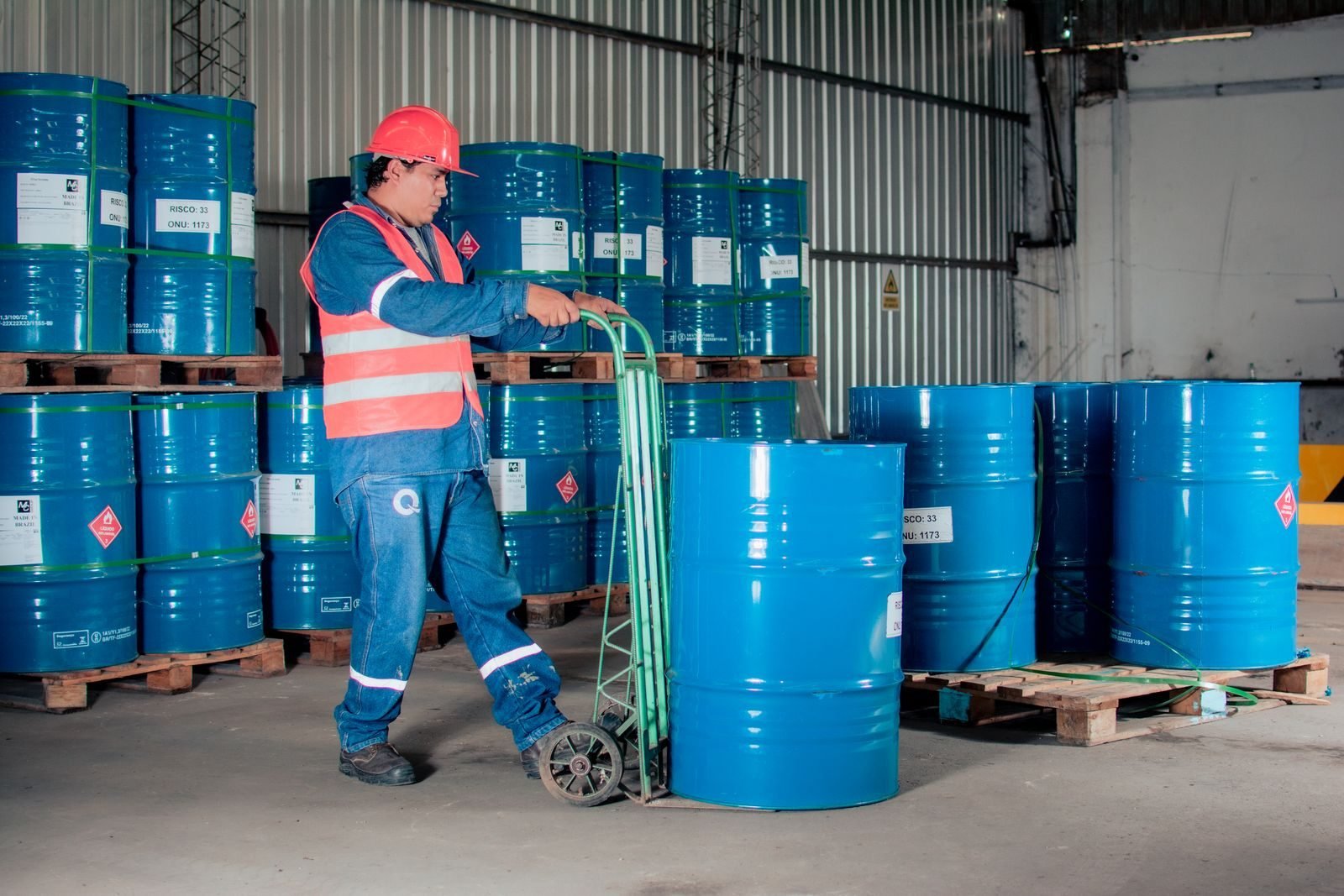
Reportable priority waste is the highest-risk tier of industrial waste. EPA describes it as a subset of priority waste that carries the highest level of controls. Think contaminated soil, solvents, acids, asbestos and waste tyres.
The duty to record the transaction sits in section 142 of the Environment Protection Act 2017. EPA’s guidance on the duty to notify of a transaction says it applies to four groups:
- Producers, the business that generates the waste
- Accredited consigners, who can create records on a producer’s behalf
- Transporters and drivers, who move the waste
- Receivers, the facility that accepts it
There’s one narrow exemption. A net load under 50 kilograms or 50 litres, carried for no reward or fee, doesn’t need a Waste Tracker record. Most commercial operators will never qualify for it.
One point trips people up more than any other. EPA says plainly that Waste Tracker does not replace commercial transaction records, logistics or inventory systems. So you need both, and they need to agree with each other.
The record is part of the job. A load moved without a Waste Tracker record is a breach even when the waste ends up exactly where it should.
Why does EPA treat every missing record as a separate offence?
EPA treats each missing or incomplete Waste Tracker record as its own offence because every record is a separate transaction under the law. One load is one record, so 30 unrecorded loads can mean 30 breaches. EPA also uses snap inspections, roadside checks and data modelling to find the gaps.
After the Altona North inspection, EPA’s Executive Director of Operations, Rachel Gualano, put it simply: “Each instance of a missing or an incomplete Waste Tracker record is a separate offence.”
That sentence matters more than the dollar figure. A business with one sloppy process doesn’t make one mistake. It makes the same mistake on every load, every day, until somebody notices.
Here’s what 2025 and 2026 enforcement has looked like:
| When | What happened | Penalty |
|---|---|---|
| March 2025 | A Wallan recycling business was fined over Waste Tracker non-compliance. EPA warned that any gap in the records can point to non-compliance. | $9,880 |
| May 2026 | EPA ran roadside Waste Tracker checks in Hastings and Baxter with Victoria Police and the NHVR, and flagged more to come. | Checks ongoing |
| June 2026 | Seven asbestos removalists who had notified WorkSafe but didn’t record the asbestos in Waste Tracker were fined. EPA found no evidence of dumping. | $71,225 in total |
| August 2026 | Two companies failed to record the transport and delivery of 300 waste tyres. | $10,455 each |
Notice the pattern. In the asbestos case and the tyre case, EPA found no dumping. The fines were for the missing records alone.
For context, the value of a penalty unit in Victoria is $209.10 for the 2026-27 financial year. Each of the tyre fines works out to exactly 50 penalty units.
$10,455Fine per company for 300 unrecorded tyres (EPA, Aug 2026)
$71,225Total fines for seven asbestos removalists (EPA, Jun 2026)
1 record = 1 offenceHow EPA counts missing or incomplete records
EPA isn’t relying on luck to find these gaps either. Its roadside release says it will use intelligence and modelling to find gaps in the data. A producer’s record with no matching receiver update is exactly the kind of gap a database can spot without anyone leaving the office.
Who records what in Waste Tracker, and when?
The producer creates the waste record before the waste is transported, and the transporter assigns it to a driver before collection. The driver updates it at pickup and drop off, then the receiver updates it on delivery. Each party is accountable for what is entered under their name.
The timing rules come straight from EPA’s features of Waste Tracker page. Here’s the chain, with where each link usually snaps.
| Who | What they record | When | Where it usually goes missing |
|---|---|---|---|
| Producer (or accredited consigner) | Creates the waste record: waste code, quantity, packaging, transporter, receiver, intended dates | Before the waste is transported | The record gets created after the truck has left, or not at all because “the transporter does that” |
| Transporter administrator | Assigns the record to a driver | Before the waste is collected | Jobs are dispatched by phone and the record is never assigned |
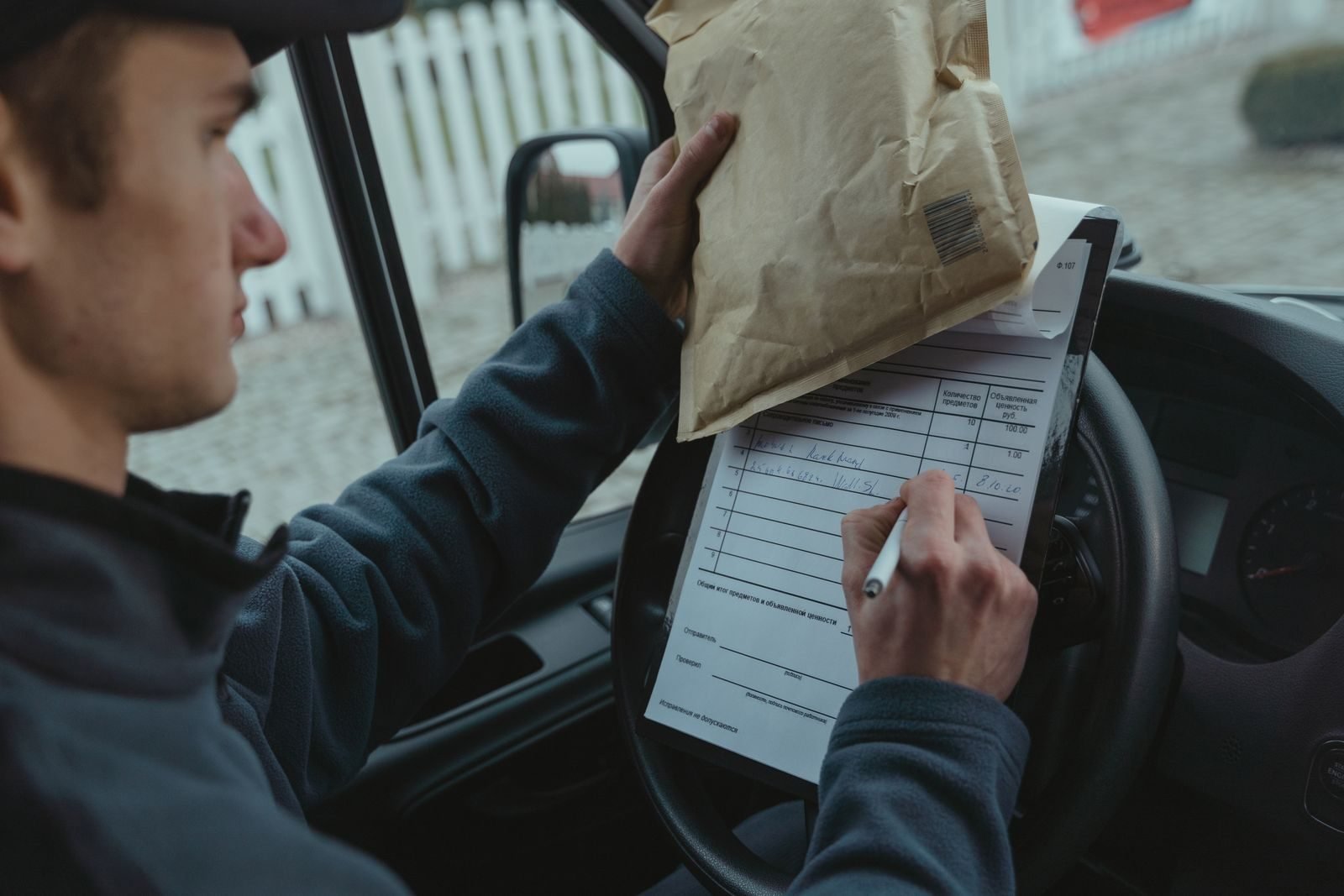
| Driver | Confirms pickup, then drop off | At the time of pickup and at the time of drop off | The pickup step is skipped and done later from memory, or never |
| Receiver | Updates the record to show delivery, or rejects it | At the time the waste is delivered | Loads are accepted at the gate and the record is updated days later in a batch |
Two details on EPA’s page deserve a highlighter.
First, you’re accountable for what’s entered under your name, including information an accredited consigner or transporter entered for you. Outsourcing the typing doesn’t outsource the responsibility.
Second, a producer’s record must include every field the regulations require. EPA’s page for waste producers lists them, from the waste code and form to the dangerous goods class and contaminants. A record with a blank or wrong field is an incomplete record.
Where do Waste Tracker records usually break?
Waste Tracker records usually break at the handoffs: a record created after the load leaves, a driver who skips the pickup step, a receiver who accepts loads in a batch, or quantities that don’t match the weighbridge ticket. Most gaps are timing or matching problems, not missing knowledge.
Let’s make this concrete with a typical scenario. It’s illustrative, not a client case, but anyone who has run a yard will recognise it.
A transfer station in Melbourne’s west accepts reportable priority waste most days. Dockets arrive by email, on paper, and as phone photos taken at odd angles in the cab.
Weighbridge tickets live in the weighbridge software. Waste Tracker lives in its own portal and app. The accounts team has a spreadsheet that tries to tie everything together on a Friday afternoon.
Here’s where that setup leaks.
- The record is created late. The customer rings, the truck goes, and someone means to create the record when they’re back at a desk. The rule is before transport, so that load is already non-compliant.
- Everyone assumes someone else did it. The producer thinks the transporter handles Waste Tracker. The transporter thinks the producer created the record. Nobody did.
- The pickup step gets skipped. The driver is under time pressure and updates the record at drop off only, or not at all. Waste Tracker’s mobile app works offline and uploads later, so signal isn’t the real reason.
- Quantities don’t match. The record says 4 tonnes, the weighbridge ticket says 6.2, and the invoice says 5. Three systems, three answers, and no one has noticed.
- The waste code drifts. The docket says one thing, the record says another, and the material on the truck is a third. Classification is a judgement call, so this one needs a person.
- Receivers batch it. Waste Tracker lets receivers accept several records in one transaction. That’s useful, but it also makes it easy to accept a stack without checking each one.
- The paper version disappears. During an outage someone writes it on paper, and the paper goes into, yes, the glovebox. It never gets entered once the system is back.
None of these is a knowledge problem. Your team almost certainly knows the rules. The problem is that the process depends on several people remembering several steps at several different times.
Most Waste Tracker gaps are timing and matching problems. The fix is a process that checks the record exists, at the right moment, with the right numbers, before the load moves.
The 7-point check before the truck leaves
Before a load of reportable priority waste leaves site, check seven things: the waste is classified, the record exists, every required field is complete, the transporter holds the right permission, the record is assigned to the driver, the expected quantity is noted, and the receiver can accept that waste.
This is the check we’d put on the wall of every dispatch office. It takes about a minute per load once it’s habit.
- Classified. The waste has been classified by someone who knows how. EPA’s guidance on classifying industrial waste makes this the duty of whoever manages or controls it.
- Record created. A Waste Tracker record exists for this load, now, not “after lunch”.
- Fields complete. Waste code, form, packaging, quantity, dangerous goods class, contaminants, pickup and drop off details are all filled in.
- Transporter permitted. The transporter holds the right EPA permission to transport reportable priority waste for this waste type.
- Assigned to a driver. The transporter has assigned the record to the driver who is actually collecting it.
- Quantity noted. The expected quantity is written down so it can be matched against the weighbridge ticket later.
- Receiver confirmed. The receiving facility is lawfully able to accept this waste, and expects it.
If any box can’t be ticked, the truck waits. That sounds strict, but it’s cheaper than the alternative.
A sensible place to keep this check is wherever dispatch already works. If dispatch runs out of a job board, put it there. If it runs out of a whiteboard, start there and move it into a system later.
What should you do when Waste Tracker isn’t working?
When Waste Tracker isn’t working, EPA asks you to use its paper template, screenshot the problem, give the information to the next person in the chain, and enter it into Waste Tracker as soon as access returns. If you can’t record offline, call EPA on 1300 372 842 for a reference number.
Outages happen. EPA has a clear page on what to do when Waste Tracker isn’t working, and it’s worth printing.
The short version:
- Try the app offline first. The mobile app records transactions without a connection and uploads when you’re back online.
- Use EPA’s paper template if you can’t record at all, and take a screenshot of the error.
- Pass the information on to the next person in the supply chain.
- Call EPA on 1300 372 842 if you can’t record offline, to get a reference number.
- Enter everything into Waste Tracker as soon as you have access again.
For outages likely to last more than a day, EPA says it will email a form and a reference number.
Step 5 is where most businesses fall over. The paper record exists, but nobody owns the job of entering it afterwards. Give that job a name, and put a weekly check on it.
How do you match Waste Tracker records against your own records?
Match every Waste Tracker record against your own commercial records at least weekly. For each load, the docket, weighbridge ticket, invoice and Waste Tracker record should agree on the customer, waste code, quantity and date. Any load missing a record, or with numbers that don’t agree, goes to a named person to fix.
Remember that Waste Tracker doesn’t replace your commercial records. Those records are your waste transport records: dockets, weighbridge tickets, job sheets and invoices. EPA can ask to see both, and they should tell the same story.
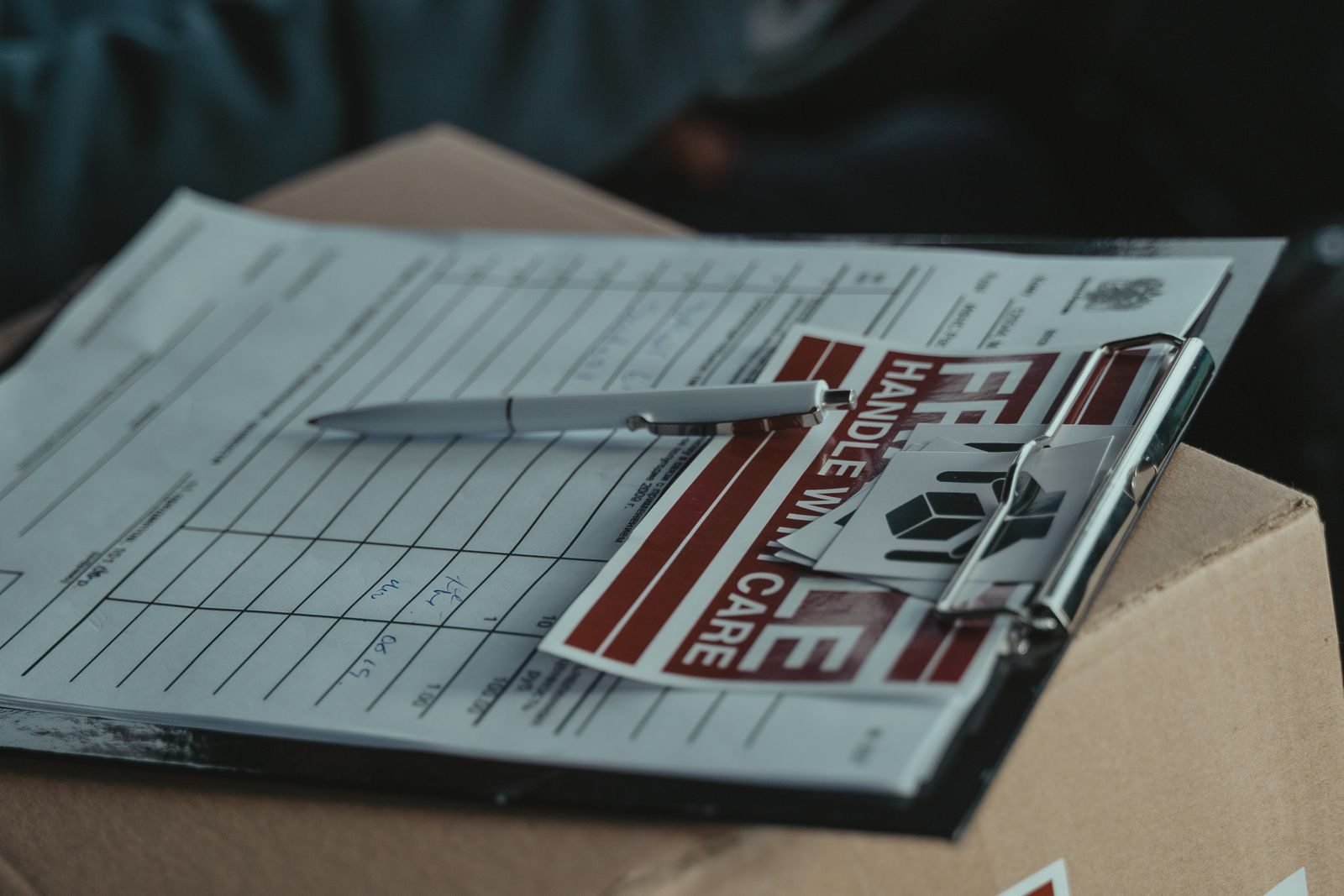
A good weekly match answers four questions for every load:
- Does every docket and weighbridge ticket for reportable priority waste have a Waste Tracker record?
- Does every Waste Tracker record have a matching docket and ticket?
- Do the quantities agree within a tolerance you’ve set?
- Was each step recorded at the right time, before transport and at delivery?
Here’s how that looks in the illustrative transfer station, before and after a proper process.
| Step | Before | After |
|---|---|---|
| Dockets arrive | Email, paper and phone photos, filed wherever they land | Collected into one place, each one read and logged |
| Record check | Someone eyeballs Waste Tracker on Friday | Each load is matched to its record automatically, every day |
| Quantity check | Rarely done | Weighbridge ticket compared with the record, with a tolerance |
| Gaps | Found by EPA, or by luck | Flagged the same day to a named person |
| Evidence | Searching email when asked | One register that links each load to its documents |
The “after” column isn’t fancy. It’s the same documents, checked every day instead of hoped about every Friday.
If you’d like the wider picture of what an audit-ready waste record contains, our guide to general environmental duty compliance covers it in detail.
What can be automated, and what must stay human?
Matching dockets and weighbridge tickets to Waste Tracker records, spotting missing records and mismatched quantities, and sending reminders can be automated. Reading messy dockets and photos is a job for document AI with a person checking. Waste classification, permit decisions and accepting or rejecting loads stay with a person.
This is the part where software vendors usually get excited. Let’s be careful instead.
The goal isn’t to automate Waste Tracker. EPA’s system is the system. The goal is to stop relying on memory to make sure every load has a complete record at the right time.
Automation handles this
Predictable, checkable work that happens on every load.
- Matching each docket and weighbridge ticket to a Waste Tracker record
- Flagging loads with no record, or a late one
- Comparing quantities across the ticket, record and invoice
- Reminding the right person before a load is due to leave
- Keeping one register that links each load to its documents
A person keeps this
Judgement, and anything with legal weight.
- Classifying the waste
- Deciding whether a load can be accepted or must be rejected
- Checking a transporter’s permissions for unusual waste
- Fixing a record that doesn’t match, and recording why
- Talking to EPA
Between those two columns sits the messy middle: reading dockets. A docket photographed at an angle in a dark cab is not something ordinary automation can read reliably. That’s where document intelligence earns its keep, reading the docket and suggesting the fields, with a person confirming anything it isn’t sure about.
That “person confirming” part is not optional. It’s what human in the loop means in practice, and in compliance work it’s the difference between a useful tool and a liability.
Where to start this week
Start by checking last month’s Waste Tracker records against your dockets and weighbridge tickets. Count how many loads had no record, a late record, or quantities that didn’t agree. Then put the seven-point check in front of whoever dispatches loads, and give one person the job of fixing gaps every week.
You don’t need new software to start. You need an honest look at last month.
- Pull last month’s loads of reportable priority waste from your weighbridge or job system.
- Match them to Waste Tracker records, one by one if you have to.
- Count three things: loads with no record, records created after the truck left, and quantities that don’t agree.
- Put the seven-point check where dispatch happens.
- Name one person who fixes gaps every week, and keeps a short note of what they fixed.
If step 2 takes someone an entire day, that tells you something useful. It’s also a fair sign the matching should be automated, because it will take that day again next month, and the month after.
This is the kind of workflow Lumeio helps Victorian waste businesses redesign. We connect the documents and systems you already use, take out the retyping, and put human checks where judgement matters. You can see how that works load by load on our waste records automation page, and how it fits the wider picture on our waste and EPA compliance page.
And the glovebox? Let it go back to holding pens that don’t work.
Frequently asked questions
Who is responsible for creating Waste Tracker records?
The producer of the waste, or an accredited consigner acting for them, creates the waste record before the waste is transported. The transporter, driver and receiver then update it at each step. Each party is accountable for the Waste Tracker records entered under their name, even when someone else typed them.
What is reportable priority waste in Victoria?
Reportable priority waste is the highest-risk category of industrial waste under Victoria’s environment protection laws. It carries the strictest controls, including mandatory tracking in Waste Tracker for every movement. Examples include contaminated soil, solvents, acids, asbestos and waste tyres.
What are the fines for missing Waste Tracker records?
EPA Victoria treats each missing or incomplete record as a separate offence. Recent examples include two companies fined $10,455 each in August 2026 for 300 unrecorded tyres, and seven asbestos removalists fined $71,225 in total in June 2026.
Does Waste Tracker replace my own waste transport records?
No. EPA says Waste Tracker does not replace commercial transaction records, logistics or inventory systems. You still need your own dockets, weighbridge tickets and invoices, and they should match your Waste Tracker records load by load.
Can Waste Tracker records be automated?
The checking can be. Software can match dockets and weighbridge tickets to Waste Tracker records, flag missing or late records, and compare quantities. Waste classification, permit decisions and accepting or rejecting loads should stay with a person.
Your move
Find out how many loads are slipping through
Bring last month’s dockets and weighbridge tickets. In a Pain Point Audit we’ll map how your Waste Tracker records actually get made, find where they go missing, and show you what to automate and what to keep human.
Fixed price A$1,950 + GST, written report in 5 business days, credited if you go ahead. The automated decision-making (APP 1.7) check is free in audits booked before 10 December 2026.