Guide · Documents · Melbourne, October 2026

Document AI vs OCR: which one can actually read your paperwork?

Somewhere in your business, right now, someone is holding a docket up to the window to work out whether that’s a 6 or a coffee stain. You’ve been told OCR will fix it. You’ve also been told AI will fix it. This guide lays out document AI vs OCR in plain English: what each one actually does, where OCR is all you need, where it quietly falls over, and what both cost per page in 2026. There’s a docket to test them on. Dave signed it.

Fixed price A$1,950 + GST. We look at your real documents, not a demo PDF.

  • Per-page prices from vendor pages
  • Australian rules linked
  • Says when OCR is enough

What OCR gives you

WEIGHBR1DGE DOCKET No. 1O417
DATE 07/1O/26
CUST J. Citizen Constructi0ns
REGO XYZ-l23
MATERIAL Mixed C&D waste
GROSS 24.86 t 24.6B
TARE 11.2O t
NET l3.66 t
SIGNED Dove

Every character, in order, with no idea which one matters. Two gross weights, no hint which is real. And Dave is now a bird.

What document AI gives you

  • DocumentWeighbridge docketClassified
  • Docket no.10417Unique
  • CustomerJ. Citizen ConstructionsMatched
  • Gross24.68 t (handwritten)Check
  • Net13.66 tCheck 24.68 minus 11.20 is 13.48 t, not 13.66 t. Sent to Sarah with the docket image.
  • SignedSignature presentPresent

Fields with names, a rule that does the subtraction, and a person who decides. Dave stays Dave.

The docket test. An illustrative docket, read two ways. Modern OCR reads clean print very well. This is not clean print.

Short answer: The difference in document AI vs OCR is reading versus understanding. OCR (optical character recognition) turns an image of a page into text. Document AI usually uses OCR as its first step (some newer tools read the page image directly with a vision model), then works out what kind of document it is, pulls out named fields like the ABN, total or net weight, checks them, and sends doubtful values to a person. Use OCR when you only need searchable text. Use document AI when someone currently retypes values from the page into another system.

Side by side

Document AI vs OCR at a glance

If you only read one thing on this page, read this table. It’s the whole argument, minus the jokes.

OCR compared with document AI for business documents
OCRDocument AI
What it doesTurns pixels into charactersTurns a document into named, checked fields
What you getA text layer or a text file, in reading order (mostly)Structured data: “Supplier ABN: 12 345 678 901”, with where on the page it came from
Knows what a document is?No. An invoice and a lunch menu are both textYes. It classifies each document, and each page of a bundle
Layout changesTemplate-based setups break when a supplier redesigns their invoiceFinds the total wherever this supplier has decided to put it
HandwritingClean print: very good. Handwriting: patchyBetter, with a confidence score per value, and still not perfect
Checks the values?NoYes, when paired with rules: sums, dates, ABN format, matches to your records
Typical cost per pageFractions of a cent to freeA few cents, plus the cost of setting up the workflow
Best forMaking scans searchable, archives, copy and pasteAnything someone currently retypes into Xero, a register, a CRM or a spreadsheet

Per-page prices are covered in detail, with dates and sources, in the costs section below.

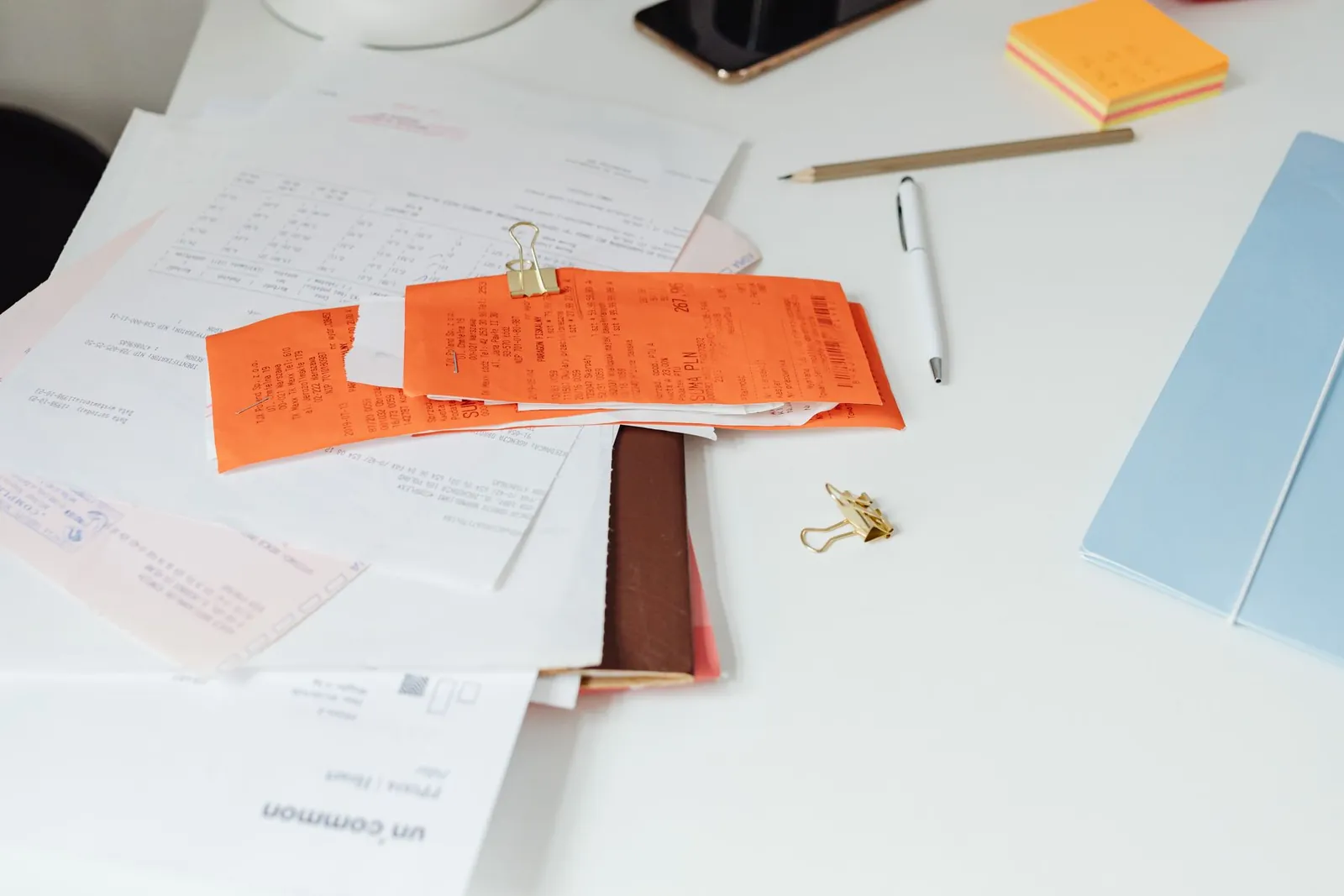
A desk covered in printed documents and orange carbon-copy receipts held by a gold bulldog clip, the paperwork at the centre of document AI vs OCR
The raw material. OCR can tell you every character on this desk. It can’t tell you which receipt was already paid, which is the question your accounts person is actually asking.

The quiet hero

What OCR does, and when OCR is all you need

Optical character recognition looks at an image of text and works out which letters and numbers are in it. That’s the job. It’s an old, mature technology: Tesseract, the best-known free OCR engine, was built at HP Labs between 1985 and 1994, released as open source in 2005 and developed by Google from 2006 to 2017. Today OCR software is built into your phone, your scanner, Adobe Acrobat and most document management systems, usually for free.

And for a lot of jobs, it’s perfect. If you want a decade of scanned contracts to be searchable, OCR. If you need to copy a paragraph out of a PDF, OCR. If your bookkeeper wants to find every letter that mentions “variation 14”, OCR. No AI required, no project, no invoice from us.

What OCR doesn’t do is understand anything. It doesn’t know that “12 345 678 901” is an ABN, that “24.68” crossed out next to “24.86” means the operator corrected the weight, or that page 37 of a permit file is the insurance certificate. To OCR, it’s all just characters, laid out roughly left to right. [Adjusts reading glasses.] Very confidently laid out, mind you.

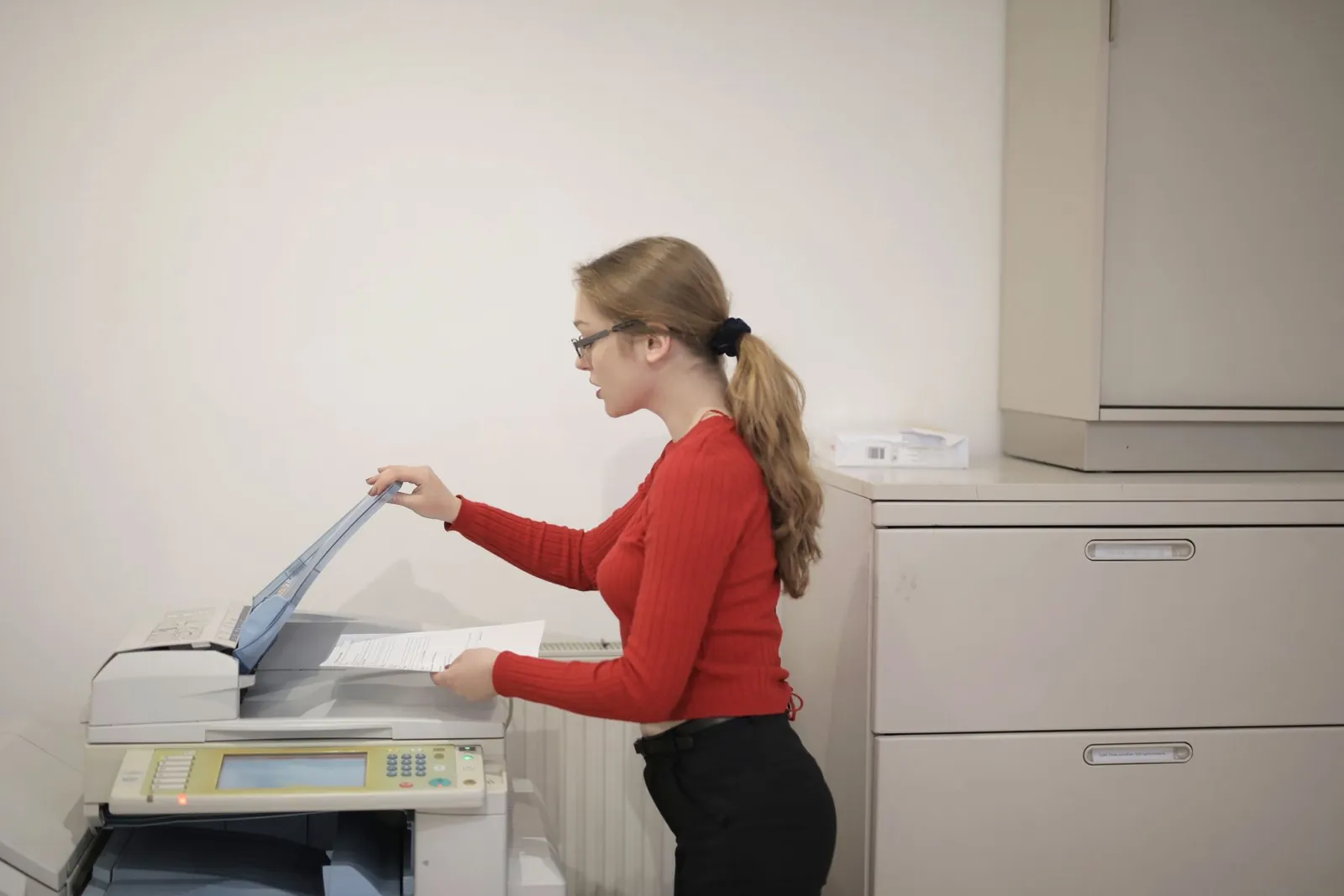
A woman in a red jumper lifts the lid of an office photocopier to scan a document
Scanning is step zero. The photocopier makes a picture of the page, and OCR turns that picture into text. Neither of them has opinions about what the page means.

The 10-second test before you buy any OCR software

Open one of your PDFs and press Ctrl + F (or Cmd + F on a Mac). Search for a word you can see on the page. If it finds it, the PDF already has a text layer and doesn’t need OCR at all. Most invoices emailed straight from accounting software pass this test. Most scans, phone photos and “print, sign, scan” documents fail it.

Plenty of “we need OCR” conversations could end right here, which is great news for everyone’s budget and terrible news for our pipeline.

What changes

What document AI adds on top of OCR

Document AI (also called intelligent document processing, or IDP) isn’t a rival to OCR. It’s usually OCR plus four jobs that a person used to do in their head. In the order they happen:

  1. Read the page OCR

    The image becomes text, with the position of every word kept. That position matters later.

    If skipped: there’s nothing to work with. Even Microsoft documents its Read OCR model as the engine underneath its prebuilt invoice and layout models.

  2. Work out what it is AI

    Invoice, delivery docket, credit note, insurance certificate, care plan. A 60-page scanned bundle gets split into the documents inside it.

    If skipped: the credit note gets processed as an invoice and you pay a supplier for the privilege of being refunded.

  3. Pull out the fields AI

    Supplier, ABN, date, GST, total, line items, net weight, lot number. Wherever they sit on this particular layout, with a confidence score for each one.

    If skipped: someone still retypes them, just from a nicer-looking text file.

  4. Check them Rules

    Ordinary rules, not AI: does gross minus tare equal net? Is the ABN 11 digits? Does the PO number exist? Is this docket number already in the register?

    If skipped: mistakes arrive in your system faster and in larger numbers. Congratulations, you’ve automated the error.

  5. Ask a person Person

    Anything with low confidence or a failed check goes to a named person, with the source image beside the value. Everything else flows through.

    If skipped: nobody notices the wrong net weight until the EPA, the auditor or the client does.

Notice that only two of those five steps are AI. That’s on purpose. Rules are cheaper, faster and completely predictable, so we use them for anything a rule can do: the maths, the formats, the lookups. AI earns its place in the two steps that need judgement about messy input, and a person keeps the decisions. If you want the long version of that idea, we wrote it up as human in the loop, defined.

This is the core of what we build in our document intelligence work: AI extraction plus rules-based validation, with every value linked back to the page it came from. That last part matters more than it sounds. When an auditor asks where a number came from, “the AI said so” is not an answer anyone enjoys giving.

A delivery driver in a cap signs a paper docket on a clipboard at the open door of his van in the late afternoon sun
Where your data is born: on a clipboard, at a van door, in a hurry, at 4:55pm. Any system that expects neat input has never met a delivery docket.

The five documents

Five messy documents that show where OCR stops

These are the documents we see most in the industries we work with: waste and EPA compliance, construction, building surveying, aged care and accounting. Each one is easy for a person to read and surprisingly hard for OCR alone.

Waste and EPA

The weighbridge docket

OCR gets you
Every number on the page, including both the printed and handwritten gross weight, with nothing to say which counts.
Document AI gets you
Gross, tare and net as fields, a rule that checks the subtraction, and a flag when a handwritten correction doesn’t match. That feeds straight into a waste register.

Construction and accounting

Supplier invoices in 40 layouts

OCR gets you
Clean text from each invoice. Template-based OCR can find the total too, until a supplier changes their invoice design. Then it finds the phone number.
Document AI gets you
Supplier, ABN, GST and total from any layout, matched to the purchase order and the signed docket. See supplier invoice and docket extraction.

Construction

The handwritten site diary

OCR gets you
Gaps, guesses and the occasional poem. Traditional OCR is built for print, and handwriting is where it struggles most.
Document AI gets you
A much better read of handwriting, with a confidence score on every value, so the shaky ones go to a person instead of into the record.

Building surveying

The 60-page permit file

OCR gets you
One very long text file. The title, the drawings and the insurance certificate all blur into each other.
Document AI gets you
Each page classified, the fields from each document pulled out, and the lot number on the title cross-checked against the drawings. That’s building permit data extraction.

Aged care

The scanned form with tick boxes

OCR gets you
The question text, the answer text and a handful of stray characters where the ticks were. Which box was ticked? Good question.
Document AI gets you
Tick boxes read as ticked or not, linked to the right question, and filed against the right Standard in an aged care evidence pack.

The pattern

If a person has to think, OCR alone won’t do

The rule we use
If the person doing this job today only copies text, OCR is enough. If they have to decide which number is the real one, match it to something, or notice it’s wrong, you’re in document AI territory.

Handwriting deserves its own moment, because it’s where most OCR software projects go to die. Printed text comes in a few thousand fonts. Handwriting comes in one font per person, and some people’s font changes after lunch. Even in lab conditions it isn’t solved: Microsoft’s TrOCR model set a state-of-the-art result on a standard handwriting benchmark by getting about 2.9% of characters wrong. That benchmark is neat writing on clean paper. Your site diary is neither.

Modern document AI handles handwriting far better than old OCR did, and it’s genuinely impressive on neat block capitals. But “better” isn’t “always right”, so we never let handwritten values flow straight into a register. They get a confidence score, and anything under the threshold gets a human review. Dave’s handwriting, for the record, is always under the threshold.

A worker in a hi-vis vest handwrites notes on a clipboard resting on large paper plans at a site workbench
A site record being created in real time. The handwriting is fine now. Give it a coffee spill and a week in a ute.

Accuracy

Why “99% accurate” OCR can still give you a wrong invoice

Every OCR software brochure has a big number on it, usually starting with 99. Here’s the catch: that’s almost always character accuracy. Your business doesn’t run on characters. It runs on fields: the total, the ABN, the BSB, the net weight.

Do the maths on a typical invoice page with about 1,000 characters. At 99% character accuracy, around 10 of them are wrong. If those 10 land in the terms and conditions, nobody cares. If one lands in the total or the bank account number, the whole invoice is wrong. Errors also compound: a 1% character error rate can mean a word error rate of 5% or worse. And older or damaged paper is much harder. When the National Library of Australia measured raw OCR on digitised newspapers for Trove, accuracy ranged from 71% to 98% depending on the page.

That’s why the number that matters is field-level accuracy on your documents, and why the step after data extraction, checking, matters more than the extraction itself.

A person at a wooden desk with a laptop holds up a small paper receipt with one hand on their forehead
Holding a receipt up to the light: the oldest data extraction method known to accounts payable. Accuracy depends heavily on the angle of the sun.
99%character accuracy, the number on the brochure
~10wrong characters on a 1,000-character invoice page at that rate
1wrong digit in a BSB is all it takes to pay the wrong account

The fix isn’t a more accurate model. It’s checks. A rule that confirms the bank details match the supplier record catches the error whether a person, OCR or AI made it. If you want to see what errors from manual keying actually cost, start with the hidden cost of manual data entry.

Costs

What document AI vs OCR costs in 2026

Short version: the software is cheap, and the person checking the output is not. Here’s what the big three cloud providers list per 1,000 pages for plain OCR and for document AI models.

Cloud list prices per 1,000 pages, US dollars, ex tax, checked 9 October 2026
ProviderPlain OCRInvoice or receipt modelCustom extraction
Google Document AIUS$1.50 (first 1,000 pages free)About US$100 (US$0.10 per document of up to 10 pages)US$30
Azure AI Document IntelligenceUS$1.50 (500 pages a month free)US$10US$30
AWS TextractUS$1.50US$10Not listed as a custom model; prebuilt forms model US$50

First volume tier, pay as you go. AWS Textract has no like-for-like custom extraction price, so the forms model is shown instead. Prices fall at higher volumes and change over time, so check the provider’s page before you budget. Sources: Google, Azure (East US, via Microsoft’s retail prices API), AWS.

Worked example: 300 weighbridge dockets a week (illustrative)

A made-up but very familiar transfer station takes about 300 paper dockets a week. Someone keys each one into the waste register, which takes about 90 seconds with checking. Here’s what the three approaches cost in people time, at A$55 an hour (wages plus on-costs) over 46 working weeks.

Illustrative people time and labour cost for 300 dockets a week
ApproachAssumptionHours a weekLabour a year
Manual keying90 seconds a docket7.5A$18,975
OCR, then a person copies the fields45 seconds a docket: less typing, same checking3.75A$9,488
Document AI, rules and human review1 in 5 dockets flagged, 60 seconds each, plus 30 minutes of spot checks1.5A$3,795

Illustrative only. Hours a year = hours a week × 46. Labour excludes the cost of building and running the workflow; for what that costs, see our guide to AI consultant cost in Melbourne. Actual results depend on your documents, volumes and process.

At about 13,800 dockets a year, a custom extraction model at US$30 per 1,000 pages comes to roughly US$414 a year. Even the dearest option in the table, about US$1,380, is a small slice of the roughly A$15,000 labour gap between manual keying and document AI. The page price is not where the money goes. The real comparison is people time, and that’s where OCR alone disappoints: it removes the typing, but not the reading, matching and checking.

Our rule of thumb is the same one from our ROI of AI automation guide: a first document project should pay for itself within about a year from the hours it gives back. On these numbers, a modest build clears that bar. On 30 dockets a week, it might not, and we’d tell you to keep the clipboard.

A smiling woman holds a mug of coffee at a tidy wooden desk with a monitor, keyboard and tablet in a bright office
Roughly six hours a week back, illustrated. The paper pile has been replaced with a short list of flagged dockets and a much better mood.

Before

  • Dockets collected in a tray, keyed on Friday
  • Every field typed by hand into the register
  • Handwritten corrections guessed at
  • Errors found at reporting time, or by an auditor

7.5 hours a week

After

  • Dockets scanned or photographed at the gate
  • Document AI reads the fields, rules check the maths
  • Flagged dockets go to one person, image attached
  • Register updated daily, every value linked to its docket

About 1.5 hours a week

Decision

OCR or document AI: which should you choose?

You don’t need a strategy workshop for this one. You need to look at what the person doing the job today actually does with the page.

Choose OCR when

You need text, not answers

  • You want old scans to be searchable
  • People read the document, they don’t retype it
  • The PDFs are archives, not inputs to a process
  • Volumes are low and layouts never change
Choose document AI when

Someone retypes values into another system

  • Layouts vary by supplier, customer or site
  • There’s handwriting, ticks or stamps that matter
  • Values must be checked against your records
  • An auditor may ask where a number came from

Four questions that settle it

  • Does anyone type values from these documents into Xero, a register, a CRM or a spreadsheet?
  • How many different layouts arrive in a normal month?
  • What happens today when a value is wrong, and who finds out?
  • How many hours a week go into this, across everyone who touches it?

Three or four “yes, lots, it’s bad, too many” answers? That’s a document AI job. Mostly “no”? Buy decent OCR software, or use the one already in your scanner, and spend the money on something else. Sometimes the real fix isn’t documents at all but plain workflow automation: getting suppliers to email PDFs that pass the Ctrl+F test instead of posting paper.

Human review

What should stay with a person

Neither OCR nor document AI should be the last word on anything that costs money, affects a person or ends up in a compliance record. Here’s how we split the work on a typical document workflow.

A woman at a laptop leafs through printed pages beside a takeaway coffee cup, checking documents against the screen
Human review, the good kind: one person, a short list of flagged values, the source page beside each one. Not a whole tray of paper.
Who handles each step in a document workflow
StepHandled byWhy
Turning the image into textOCRMature, cheap and good at print.
Working out what each document isAINeeds judgement about layout and content.
Data extraction of named fieldsAILayouts vary; every value gets a confidence score.
Sums, formats, duplicates, lookupsRulesPredictable checks should be predictable.
Low-confidence or failed valuesPersonWith the source image beside the value.
Approving payments and submissionsPersonAccountability stays with your team.
Anything that decides about a personPersonFor example, the severity of an aged care incident.

The Australian rules that shape a document workflow

  • Tax invoices. Under the ATO’s tax invoice rules, an invoice under A$1,000 needs seven details, including the seller’s identity and ABN, the date, a description with quantity and price, and the GST amount. From A$1,000 it must also show the buyer’s identity or ABN. Those are exactly the fields a rule should check after extraction.
  • Record keeping. The ATO says to keep most business records for 5 years, in English or in a form easily converted to English, and notes that ASIC requires companies to keep records for 7 years. Extracted data doesn’t replace the source document. Keep both, linked.
  • Privacy. The OAIC’s guidance on commercially available AI products (October 2024) says not to enter personal information, particularly sensitive information, into publicly available generative AI tools, and that a person should verify the accuracy of personal information obtained through AI. The National AI Centre’s guidance for AI adoption makes “maintain human control” one of its six practices.

None of these rules says you can’t use document AI. They do mean the workflow has to keep the source document, record who checked what, and know where the data goes. That’s design work, and it belongs at the start of a project, not after go-live.

Common mistakes

Mistakes businesses make choosing between OCR and document AI

We’re not proud of it, but we find this part fun. Here’s what goes wrong most often.

  1. Testing on your three cleanest PDFs. Every tool looks brilliant on a crisp invoice from a big supplier. Test on the docket that went through the wash.
  2. Buying OCR for PDFs that already have text. Run the Ctrl+F test first. It’s free and takes 10 seconds.
  3. Judging tools by character accuracy. Ask for field-level accuracy on a sample of your documents, including handwriting.
  4. One template per supplier. Template OCR works until supplier number 41, or until supplier number 3 updates their logo.
  5. No exception queue. If low-confidence values flow straight into your system, you’ve built a very fast way to be wrong.
  6. Using AI where a rule would do. GST maths, ABN formats and duplicate checks are rules. A model doing sums is a more expensive, less reliable calculator.
  7. Not asking where the documents go. Invoices and care records contain personal information. Know which country the data is processed in and whether it’s used to train anything.

Our take

How Lumeio uses OCR and document AI

We use both, often in the same workflow. OCR does the reading, AI does the classifying and data extraction, rules do the checking, and a named person on your team makes the calls that matter. Every value stays linked to the page it came from, so you can always answer “where did that number come from?”

We don’t sell a document AI product. We start with how the work actually moves through your business, then pick the cheapest thing that fixes it. Sometimes that’s document AI. Sometimes it’s OCR you already own. Sometimes it’s asking three suppliers to stop sending faxes. (Yes, still.)

When we’d tell you OCR is enough

  • Your PDFs fail the Ctrl+F test, but nobody retypes anything from them
  • You handle fewer than about 50 documents a week and the layout never changes
  • The goal is a searchable archive, not data in another system

See the full service on our document intelligence page, browse the automation use cases, or read how the same idea works for invoice processing in Xero.

Who wrote this

Written in Melbourne by people who get excited about well-labelled fields

Jumei Lin

Founder, Lumeio

Jumei founded Lumeio after a career in engineering and the building industry, including a role as Engineering Manager at a building surveying firm. Lumeio builds document and workflow automation for Melbourne businesses in waste and EPA compliance, construction, building surveying, aged care and accounting. Prices and rules on this page come from the sources listed below. The docket, Dave and the worked example are illustrative. The unreasonable enthusiasm for confidence scores is entirely real.

FAQ

Questions about document AI vs OCR

Is document AI the same as OCR?

No. OCR turns an image of text into text. Document AI usually starts with OCR, then classifies the document, extracts named fields such as the supplier, ABN, total or net weight, and gives each value a confidence score. Paired with rules and human review, it can check those values and send doubtful ones to a person. OCR reads. Document AI reads and organises.

Is OCR considered AI?

Modern OCR engines use machine learning, so technically yes. Tesseract, the best-known free engine, has a neural network (LSTM) engine in its current version 5. But OCR only recognises characters. It doesn’t know what the document is or what any value means, which is the part people usually mean when they say document AI.

Can OCR read handwriting?

Partly. OCR software is built for print and does well on clean typed text. Handwriting is much harder, and even research models get a few percent of characters wrong on neat handwriting. Document AI reads handwriting better and scores its confidence in each value, so shaky values can go to a person instead of straight into your records.

Do digital PDFs need OCR?

Usually not. Open the PDF and press Ctrl+F (Cmd+F on a Mac), then search for a word you can see. If it finds it, the PDF already has a text layer. Most invoices emailed from accounting software pass this test. Scans, phone photos and print-sign-scan documents fail it and need OCR first.

How much does document AI cost per page?

At October 2026 list prices, plain OCR costs about US$1.50 per 1,000 pages on Google, Azure and AWS. Prebuilt invoice models cost about US$10 per 1,000 pages on Azure and AWS, and custom extraction about US$30. The bigger cost is setting up the workflow and the people time spent checking the output, not the page price.

How accurate is document AI?

It depends on your documents, so ask for field-level accuracy on a sample of your own, including the messy ones. A 99% character accuracy figure can still mean a wrong total or ABN on some invoices. The reliable answer is to pair extraction with rules that check the values and a person who reviews anything that fails a check or has low confidence.

Is it safe to put invoices or client documents through document AI?

It can be, with care. The OAIC advises against entering personal information, particularly sensitive information, into publicly available generative AI tools, and says a person should verify personal information obtained through AI. Before choosing a tool, check where documents are processed and stored, whether they are used for training, and who reviews the output.

What does Lumeio charge to set up document AI?

A 30-minute fit call is free. The Pain Point Audit is A$1,950 + GST for a half-day walkthrough of your documents and processes, with a written report within 5 business days and a fixed price for the first build. The fee is credited in full against a first build of A$5,000 + GST or more signed within 60 days.

Find out which of your documents are worth automating

Bring us the tray. The Pain Point Audit is a half-day look at how documents really move through your business, with a written report in 5 business days: which documents cost the most time, what OCR can handle, where document AI earns its keep, what stays with your people and a fixed price for the first fix. Dave can keep his handwriting.

Fixed price A$1,950 + GST. Credited if you go ahead with a build.